


Spiral will save the results of any algorithm in a log file, if such a file has been defined for the project. To specify a log file execute the Output Log command from the File menu. The Output Log dialog will be shown. The Output Log dialog is illustrated in Figure 2.19. Specify the name and location of the output log file and press Ok to accept the new values. The output log file has by default the extension .log and is a pure ASCII file. The amount of information written to the output log file for each algorithm depends on the Report Level.
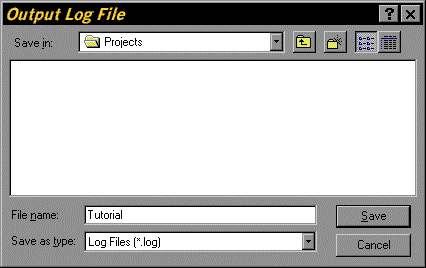
Figure 2.17. Open Output Log Dialog for the Tutorial Project