


At this time, we will enter all the affinities between departments or relationships to the project. Select the All Relations command from the Edit menu. The Select a Relation dialog will be shown, which displays the relations in a two dimensional array. The initial Select a Relation dialog is shown in Figure 2.11. Initially all relations will be zero. Edit the relation between two departments by clicking on the corresponding element in the array. You can also move the cursor to the desired relation with the arrow keys and click the Edit button or press the Alt-E key.
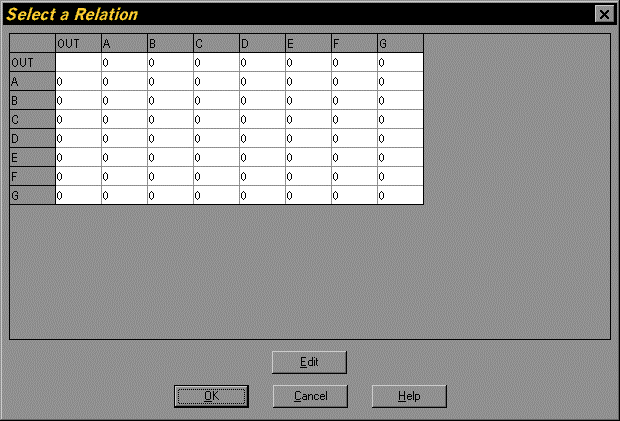
Figure 2.11. Initial Select a Relation Dialog of the Tutorial Project