


When you press OK, the Edit Department dialog box will be shown. This dialog box is illustrated in Figure 2.10.
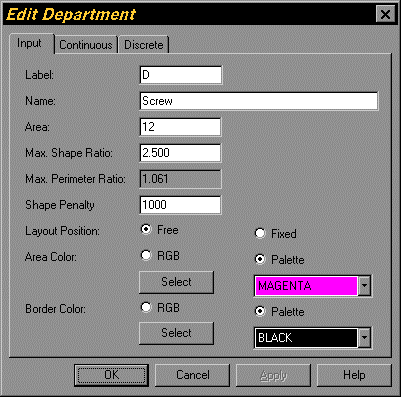
Figure 2.10. Edit Department Dialog Box
Since we are still entering and editing initial department data, only the Input page of the Edit Department dialog box is relevant. Change the name of department D from "Screw" to "Drilling". Since at this time no adjacency graph or block layout have been created, the department data on the Continuous page is still zero. The data on the Discrete page shows the number of unit squares in this department based on the current Grid Size. You can change the grid size with the Grid Size command from the Edit menu.