


The project title and other project information can be changed with the Properties command of the File menu. The properties of the tutorial project are illustrated in Figure 2.6.
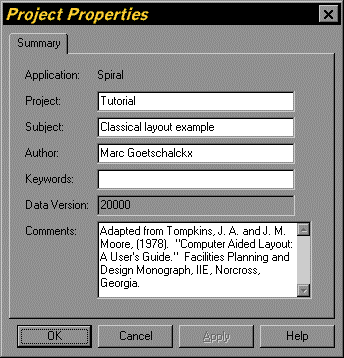
Figure 2.6. Project Properties Dialog for the Tutorial Project
At this time the project has neither departments nor department relationships. The number of departments in the project and the sum of all relationships are always shown in the Notes view.