


Select the New command from the File menu or press the New button on the toolbar. The New dialog window will be shown. The New dialog window for this project is illustrated in Figure 2.1. Enter a project name with a maximum of 63 characters. Only letters, digits, spaces, and underscores are allowed in the project name. Enter the building width and building depth of the rectangular building. The building width and depth are displayed horizontally and vertically on the screen, respectively. For this tutorial project, enter "Tutorial", ten, and seven for project name and building width, and depth, respectively. Press OK and a new project without any departments will be created.
Note that any data item of this project can be changed later on from inside the project with commands from the File and Edit menu. You can also get context sensitive help for any dialog window by pressing the Help button when the dialog windows is displayed.
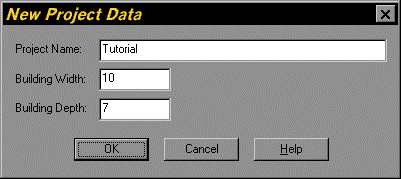
Figure 2.1. New Dialog Window for the Tutorial Project