


The Add Department dialog window contains three pages, each selected by a one of the tabs: Input, Continuous, and Discrete. When you are adding a department, only the input page is relevant. You can view the continuous and discrete department data pages after all the required data on the input page have been entered.
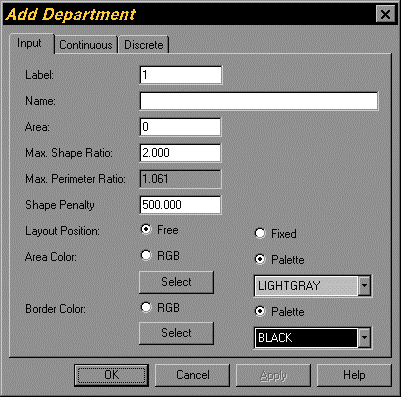
Figure 5.12. Add Department Dialog Window